ACY SECURITIES · INTERNAL OPERATIONS

LogixPanel CRM
Enterprise Client Operations

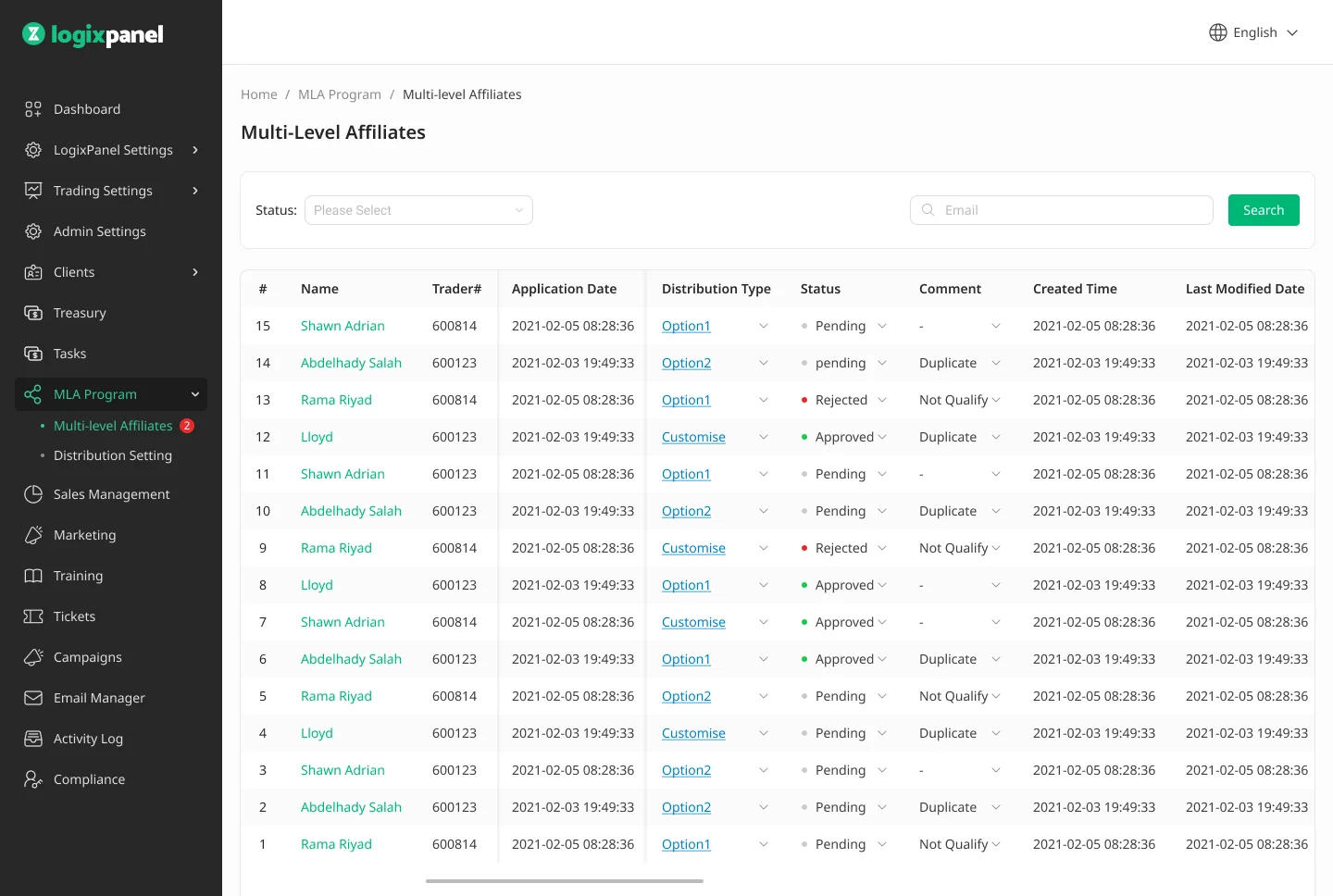
Led the UX/UI design for an end-to-end CRM managing enterprise client accounts across 40+ jurisdictions — translating spreadsheet-driven operations into a structured platform.

Institutional Context: Designing enterprise client lifecycle management across 40+ regulatory jurisdictions — a direct analogue to the operational tooling at prime brokerages, institutional custodians, and asset managers. The core design challenge (translating complex compliance workflows and multi-region client data into usable internal tooling for operations staff) mirrors what Salesforce Financial Services Cloud, Bloomberg's client management modules, and Goldman's Marquee ops interfaces solve at institutional scale. The difference is volume of AUM per client, not the structural complexity of the design problem.
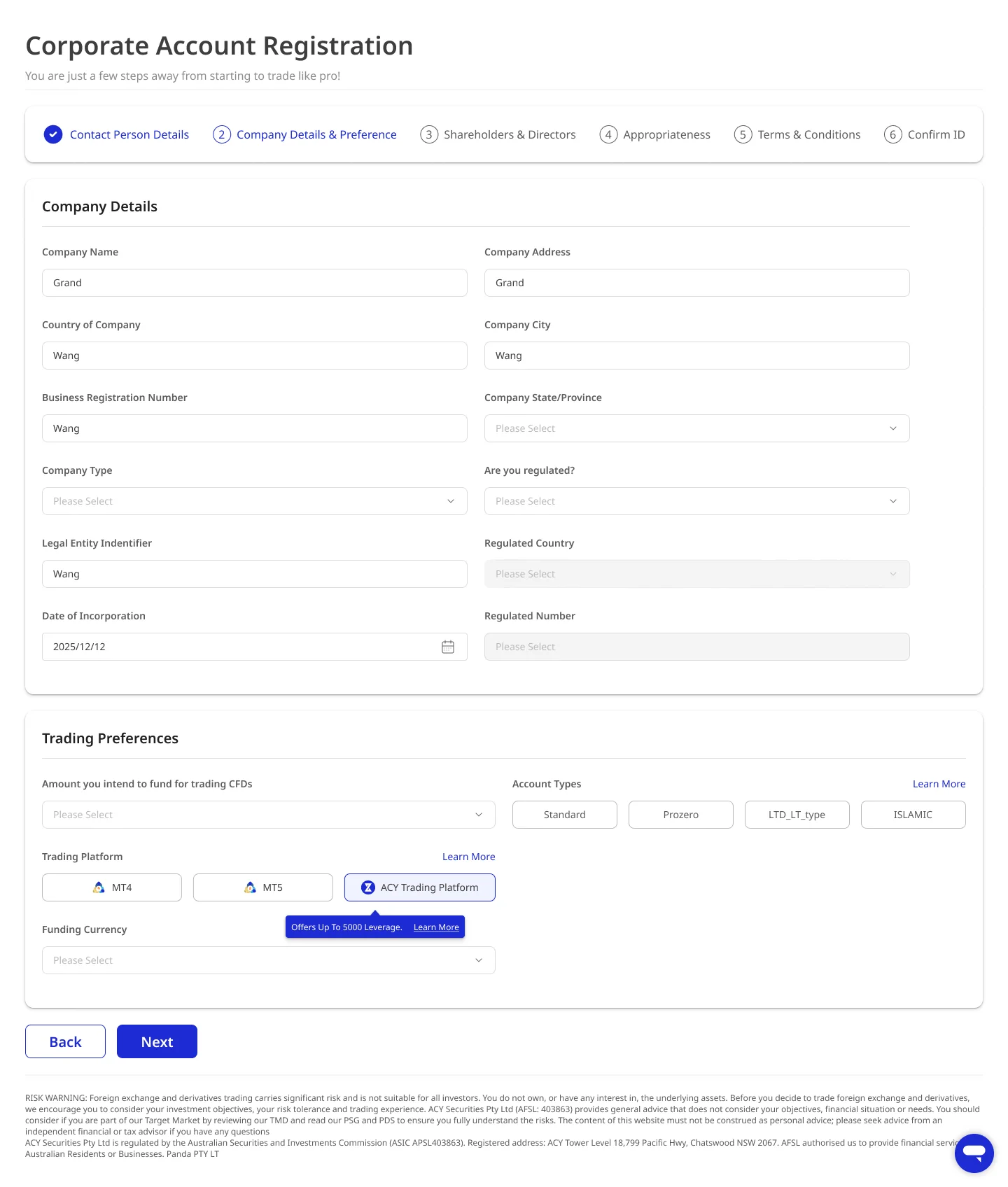
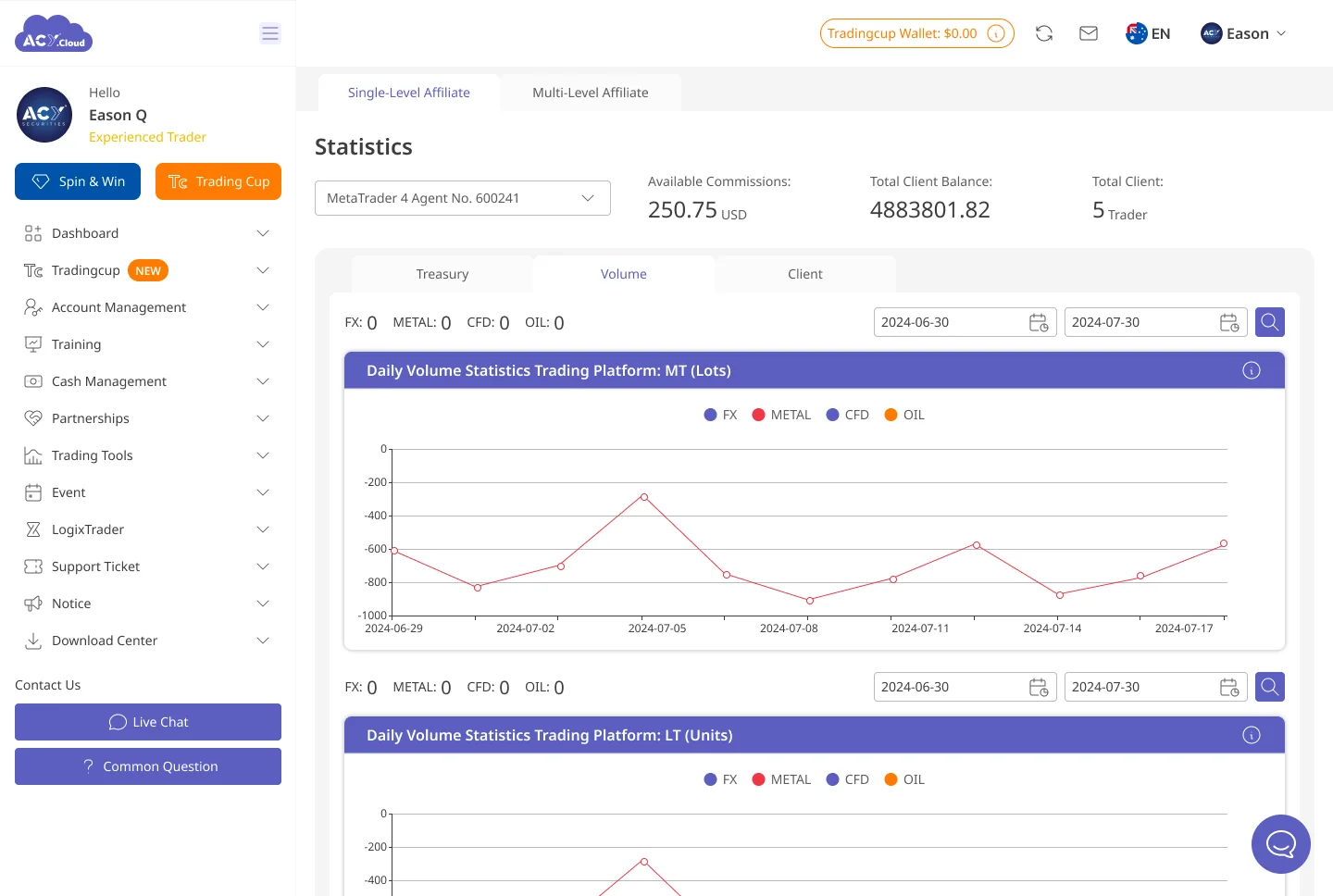
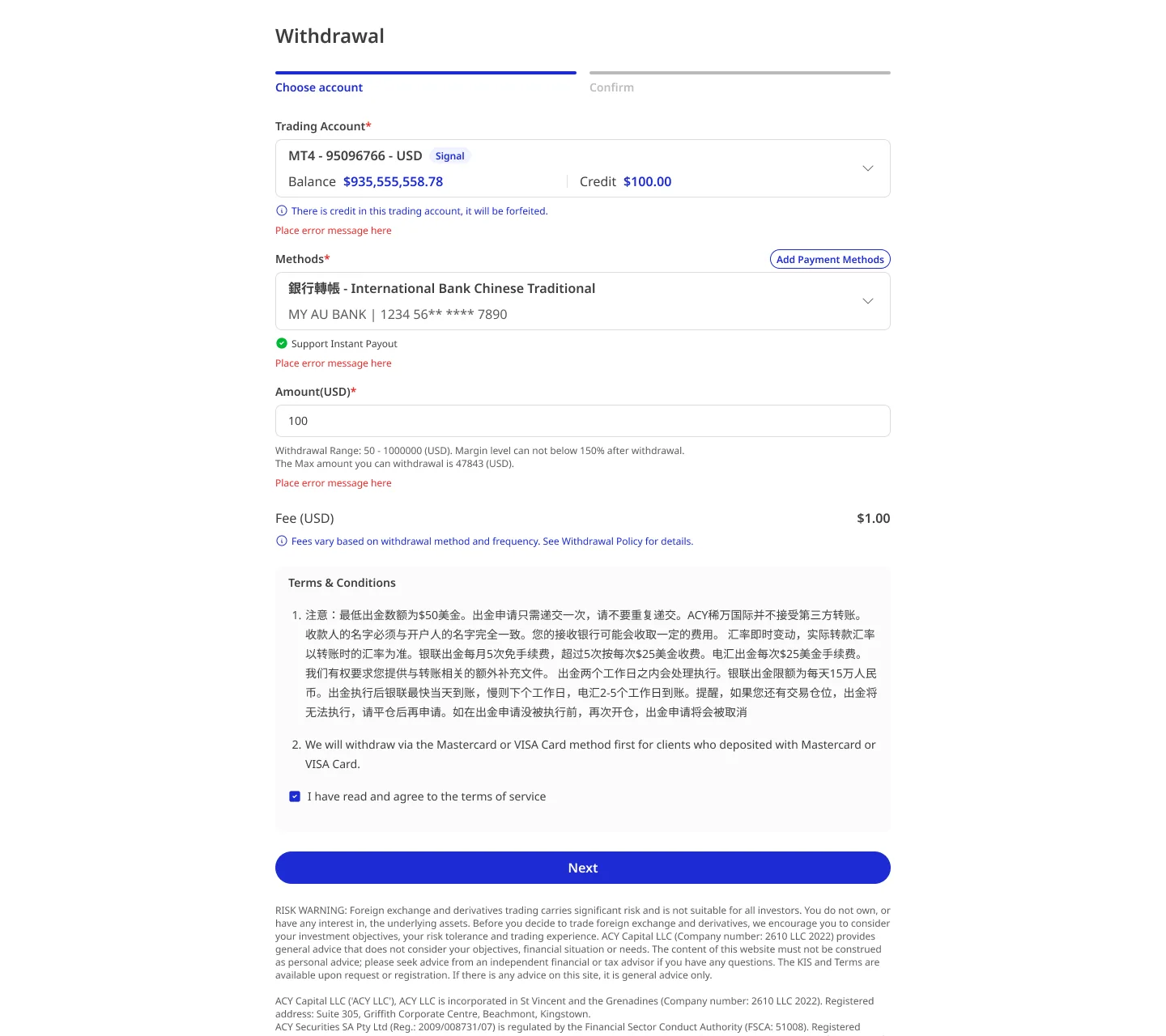
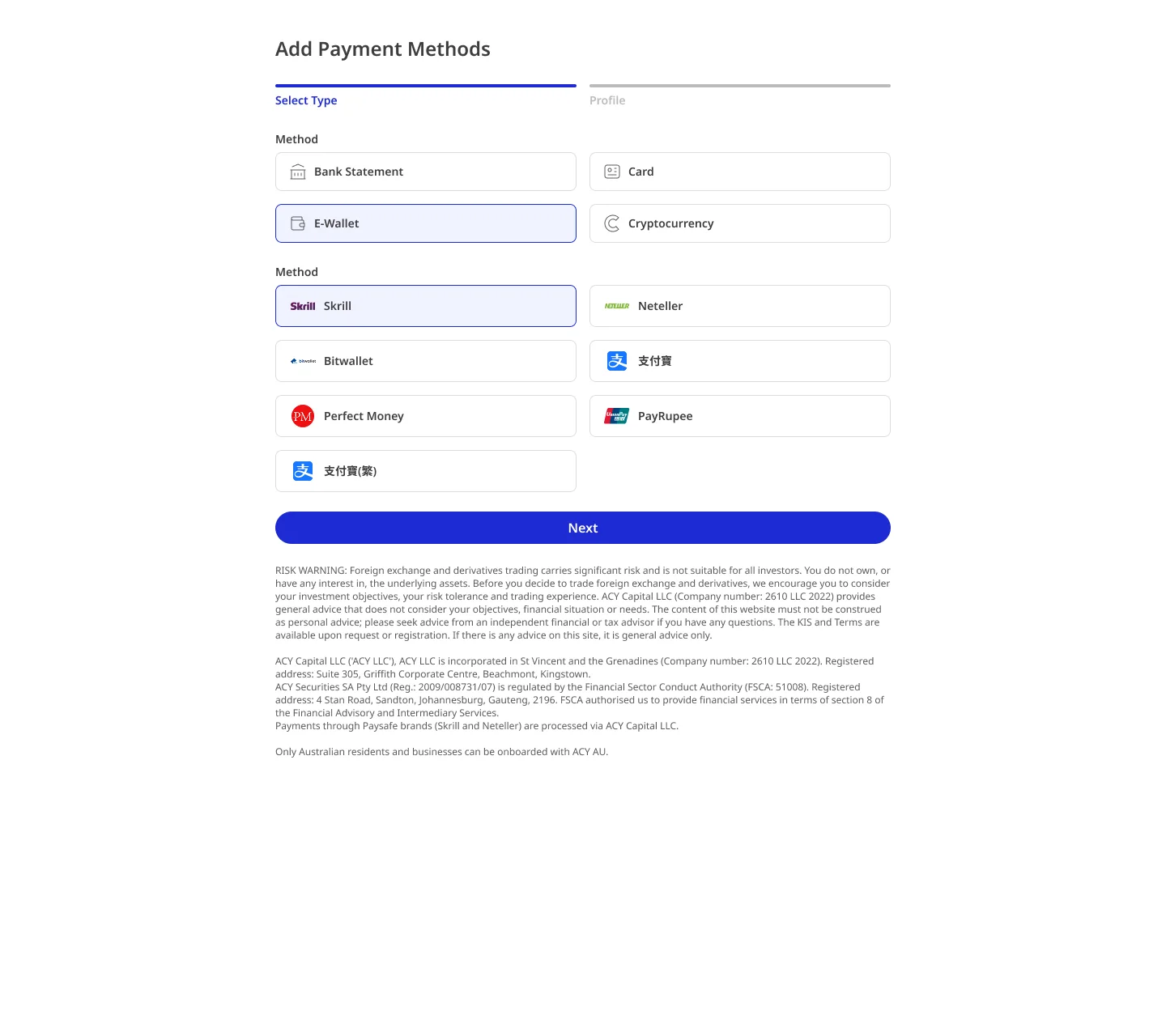
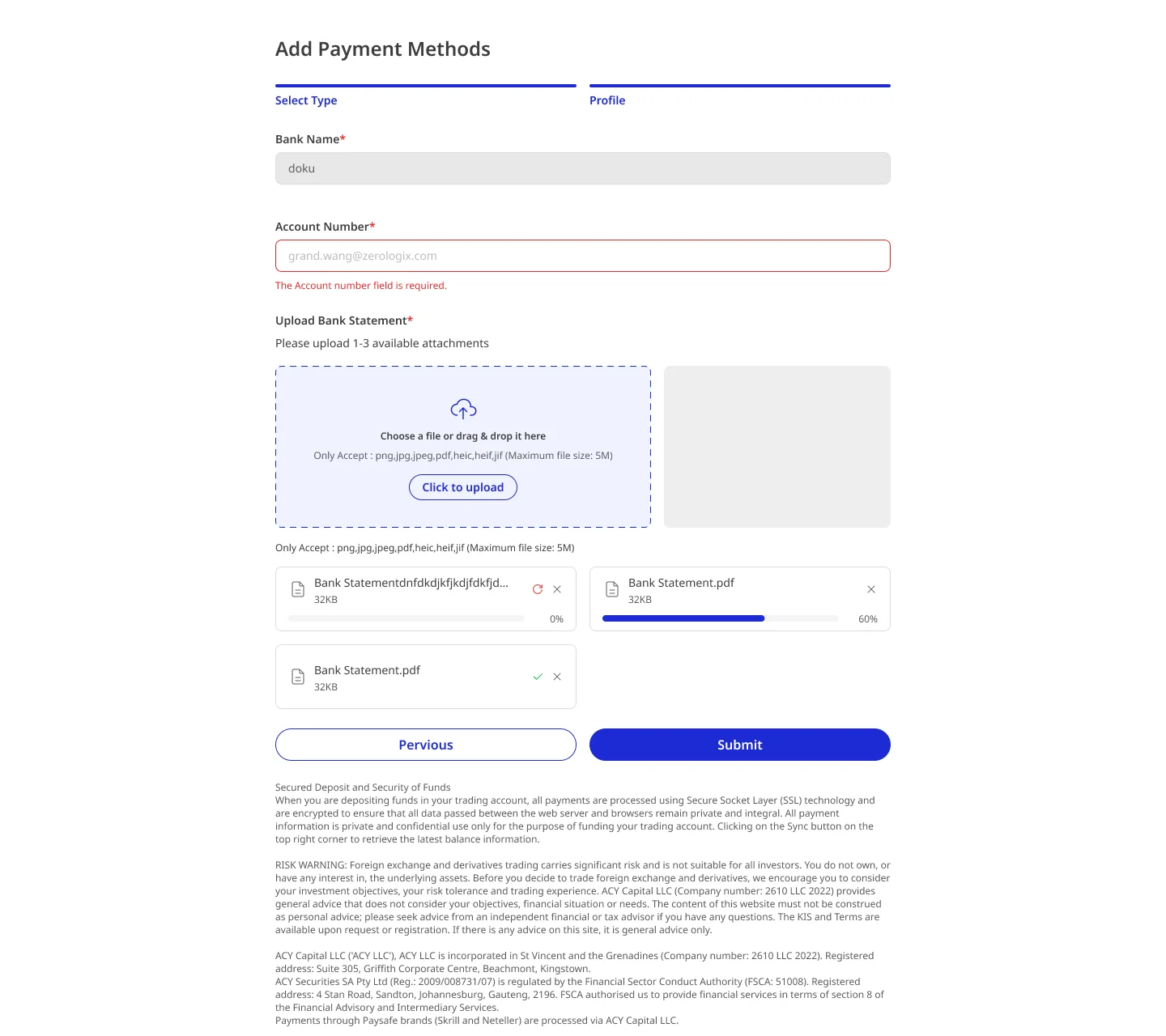
LogixPanel CRM Dashboard Showcase

Executive Summary

As the lead Product Designer for ACY Securities' internal CRM, I collaborated with operations and engineering to expand a "redesign the client list" brief into a full-lifecycle UX strategy for end-to-end client management. Serving an operations team of 30+ staff across Sydney, Taipei, and Cyprus, we designed LogixPanel to consolidate client onboarding, trading activity monitoring, compliance tracking, and communication logging. replacing a patchwork of spreadsheets that couldn't scale to enterprise requirements.

The Operational Crisis at Scale

ACY's operations team managed an enterprise-scale client base using tools that worked for smaller operations but broke catastrophically at scale. Three critical pain points were degrading operational quality daily:

Operational Complexity

Client data scattered across 7+ spreadsheets, 3 email inboxes, and legacy admin panels. Finding a client's complete history required opening 4 different tools. Average client lookup time: 4.5 minutes.

Compliance Tracking Gaps

ASIC requires complete client identity verification, suitability assessments, and ongoing monitoring across 40+ jurisdictions. Manual tracking meant compliance reviews took 3+ hours per client and gaps were discovered only during audits.

Onboarding Friction

30%+ onboarding dropout rate. New clients faced 23-field forms, unclear document requirements, and no progress visibility. Operations team couldn't identify where clients got stuck until they abandoned the process entirely.

The Initial Brief vs. The Evolved Scope

The original request was tactical: "Redesign the client list page. it's too cluttered." After spending two weeks shadowing the operations team, I realized from a UX perspective that the client list wasn't the root problem. it was a symptom of having no unified client model.

WHAT I WAS ASKED

  • Redesign client list page
  • Add search/filter functionality
  • Make it "less cluttered"

WHAT I PROPOSED LATER

  • 360-degree client profile with tabbed architecture
  • Compliance status dashboard with audit-ready reporting
  • Onboarding funnel tracker with dropout intervention
  • Automated task management and follow-up scheduling
  • Cross-office client handoff protocols

I shadowed 8 operations staff across all three offices for 2 weeks. The most revealing pattern: every client interaction started with the same ritual. open the client list, find the client, then immediately leave to check their compliance status in a spreadsheet, their trading activity in the admin panel, and their last email in Outlook. The "client list" was just a launchpad for a fragmented workflow.

The Business Decision: Build vs. Buy vs. Adapt

With 100K+ accounts and ASIC-specific compliance requirements, the executive and engineering teams faced a CRM decision with significant technical and financial implications. As a designer, my role was to adapt the UX strategy based on this high-level business direction:

Option A: Salesforce / HubSpot Enterprise

REJECTED

Deploy an enterprise CRM with customization for financial services.

Why leadership rejected: $180K+/year licensing cost. More critically, couldn't model ASIC-specific compliance fields (suitability assessment status, PDS acknowledgement tracking, leverage tier classification) without extensive custom development. Integration with ACY's existing trading backend would require a 6-month middleware project.

Option B: Full Custom Build

REJECTED

Build a purpose-built CRM from scratch with the engineering team.

Why leadership rejected: Estimated 6-8 month development timeline. From a UX perspective, this meant the operations team would have zero input on the design during the build phase. risking a product that technically works but operationally fails because it doesn't match actual workflows.

Option C: Custom Panels on Existing Backend

CHOSEN

Design custom UI panels that sit on top of ACY's existing data infrastructure, delivering in 2-week design-and-build sprints with operations team feedback.

Why leadership chose this: It kept engineering scope manageable. From a UX perspective, designing against existing APIs with two-week sprint cycles meant we could test each module with operations and gather feedback continuously. The first usable module went live in 3 weeks, reaching feature parity with the spreadsheet workflow in 4 months.

Designing the 360-Degree Client Profile

The core design challenge: a single client record at ACY touches 47 distinct data fields across identity verification, trading activity, compliance status, communication history, and account configuration. Showing everything creates information overload. Hiding things creates workflow friction.

📋
Overview Tab

Identity, account status, risk tier, last interaction. the "glanceable summary"

📊
Activity Tab

Trading volume, deposit/withdrawal history, active positions, P&L trends

🛡️
Compliance Tab

KYC/AML status, suitability assessment, PDS acknowledgement, leverage tier

💬
Communications Tab

Call logs, email history, meeting notes, scheduled follow-ups, task assignments

What Didn't Work

My first UX proposal tried to solve the "scattered information" problem by putting everything on one screen. Contact info, trading activity summary, compliance status indicators, recent communications, and pending tasks. all visible simultaneously in a dense, single-pane layout. The initial logic was: "Operations staff need all this information, so let's give it to them."

V1: EVERYTHING VISIBLE

  • 47 fields visible per client view
  • 3-column dense layout with 8pt font
  • Support tickets spiked 3× in first week
  • Staff said it was "worse than the spreadsheet"
  • Average task completion time increased 40%

V2: HEURISTIC TASK-ORIENTED SEQUENCING

  • Predictive fields based on client jurisdiction & asset class
  • Logic-driven field grouping reduces cognitive load
  • Support tickets dropped to below pre-launch levels
  • Staff said it "anticipates the next step"
  • Average task completion time decreased 55%

The key insight came from watching operations staff use V1: they never needed all 47 fields at once. A client call required contact + last interaction. A compliance review required KYC status + documents. A trading inquiry required activity + positions. By grouping fields into task-aligned tabs, each view became purposeful instead of overwhelming.

Compliance Dashboard: Audit-Ready by Design

ASIC audits require demonstrating that every client has completed proper identity verification, received required disclosures, and been assessed for product suitability. Previously, preparing for an audit meant 3 staff members spending 2 weeks pulling data from spreadsheets. LogixPanel's compliance dashboard made the same audit preparation possible in under 2 hours.

Compliance Status Matrix

Requirement Before LogixPanel After LogixPanel
KYC Status Check Open 3 systems Single badge on profile
PDS Acknowledgement Email search Timestamped record
Suitability Assessment Spreadsheet lookup Auto-scored with flag
Audit Report Generation 2 weeks, 3 staff 2 hours, 1 click
Leverage Tier Classification Manual calculation Auto-assigned per jurisdiction

Multi-Dimensional Impact

73%
Faster client lookup (4.5min → 72sec)
98%
Audit report reduction (2 weeks → 2 hours)
-44%
Onboarding dropout rate (30% → 17%)
55%
Faster task completion vs. V1

Operations Team

Eliminated the "4-tool shuffle" that consumed the first 5 minutes of every client interaction. Staff spend time resolving client issues instead of hunting for client information. Cross-office handoffs became consistent with shared communication logs.

Compliance & Legal

ASIC audit preparation went from a dreaded 2-week scramble to a routine report. Compliance gaps are flagged proactively instead of discovered during audits. The compliance dashboard became the COO's most-used internal tool.

Client Experience

Onboarding funnel visibility allowed the team to proactively reach out to stuck clients. The 44% dropout reduction directly translated to increased account activations and first deposits.

Engineering Efficiency

Designing on top of existing backend APIs meant engineering needed no new data models. The 2-week sprint cadence with operations feedback caught workflow mismatches before they became technical debt. Total platform delivered in 4 months vs. 8-month estimate for a ground-up build.

Reflection & Strategic Learnings

If I were designing LogixPanel again, three things I'd change:

  1. Shadow users before touching Figma. I started sketching solutions after 3 days of shadowing. I should have spent the full 2 weeks observing before designing anything. The V1 "everything visible" mistake happened because I started with data architecture instead of workflow understanding. The tabbed solution only emerged after watching staff actually use the dense V1 interface.
  2. Design the compliance dashboard first, not last. I sequenced modules by perceived complexity (search → profiles → tasks → compliance). But compliance was the highest-value module for the COO and legal team. Shipping it earlier would have secured stronger executive sponsorship for the entire project from day one.
  3. Include the Taipei and Cyprus teams in sprint reviews from sprint 1. The Sydney operations team dominated early feedback. When the Taipei team started using LogixPanel in month 3, we discovered their workflows differed significantly. they handled multi-currency clients and needed jurisdiction-specific compliance views that Sydney rarely used. Earlier cross-office participation would have prevented 2 weeks of rework.

Core insight: Internal tools deserve the same design rigor as customer-facing products. The operations team uses LogixPanel 8 hours a day. every friction point costs 30 staff members real productivity. The "just make the client list less cluttered" brief became a 4-month engagement because the actual problem was never the list. it was the absence of a unified client model. Designers who take internal tool briefs at face value miss the systemic opportunity.

Project Details

Scale & Context

Design Challenges

#CRM#Enterprise#Internal Tools#Compliance UX

Cross-Functional Collaboration

Live Demo · Compliance Operations

100,000 accounts, 40+ jurisdictions — one compliance view

Before LogixPanel, compliance audit prep took roughly two weeks of manual spreadsheet sorting — one analyst filtering 40 jurisdictions by hand. The dashboard sorts jurisdictions by risk-weighted exposure (composite of KYC gaps, AML flag rate, document expiry, regulatory deadline pressure). Highest-risk jurisdictions surface first; one click drills into account-level detail.

Live drift every 2.5s · Click jurisdiction to inspect · Sorted by risk score · All data simulated

Jurisdiction Compliance Status LIVE
Select a jurisdiction
Click any tile to inspect account-level compliance data for that jurisdiction.
Action Queue